
Your organisation will receive an email notification that includes a unique link to the register whenever there is an action to complete. If you want to access the register at any other time you can do so from the ACMA website:
From the ACMA website.
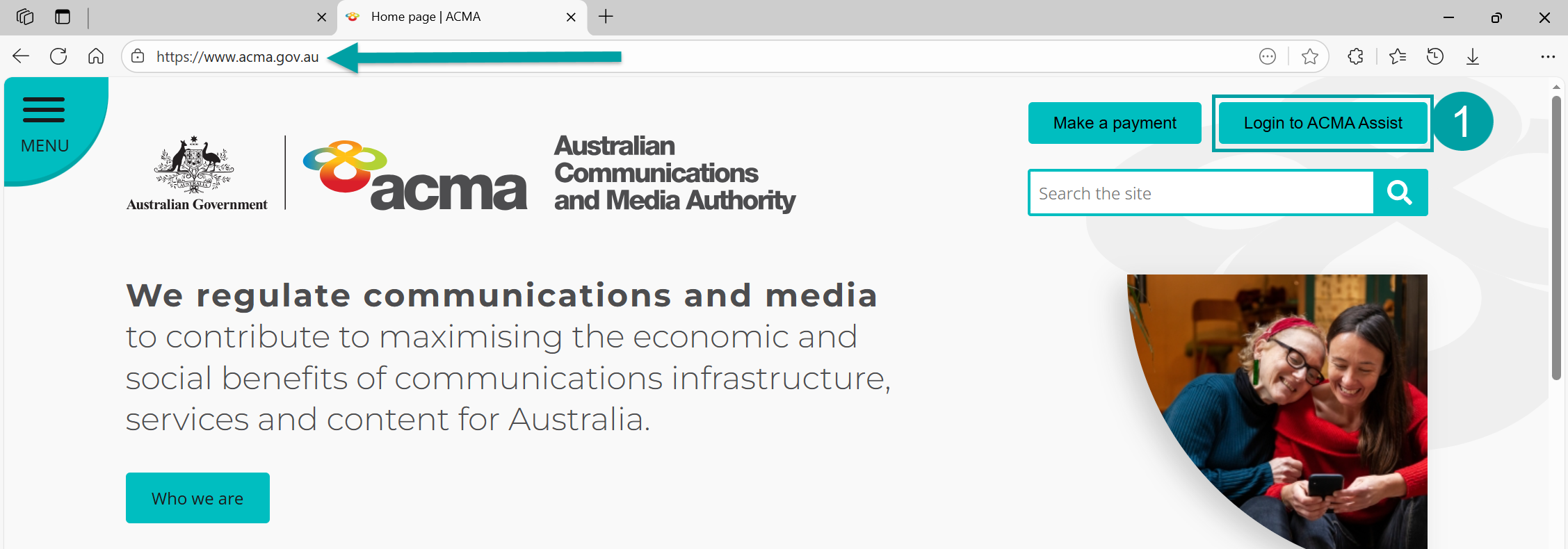
- Click on the Login to ACMA Assist button on the top right corner of any page.
|
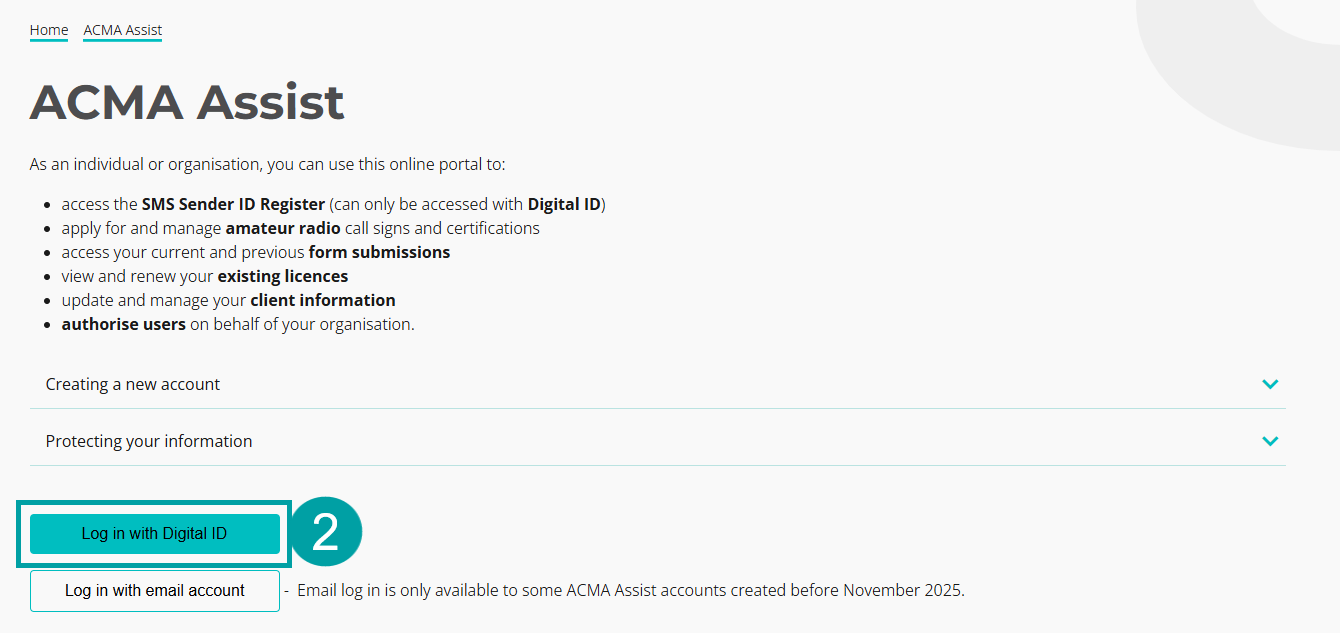
You will be taken to the ACMA Assist log in page. You will need to log in using your Digital ID (myID).
- Click on the Log in with Digital ID button.
|
You will be taken to the Australian Government myID log in page. Follow the prompts to log in using your Digital ID.
Note: For assistance logging in using your digital ID, refer to Instructions (step 5 onwards).
For assistance setting up a myID account, refer to How to set up myID.
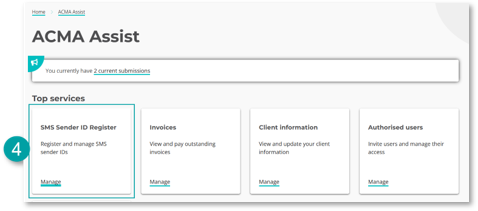
You will now be logged in to ACMA Assist
- Click on the Sender ID Register tile to be taken to the register.
|